BeginnerAstroTools
Free tools for astrophotography planning
Setup Planner
Use Framing & Mosaic to choose single-frame or mosaic layout.
Manual setup values
Pixel Scale Calculator
Field of View Calculator
Pick presets or override values manually.
Framing & Mosaic
Manual framing values
Framing Preview
The preview now follows the real sensor ratio. Use the target, mosaic mode, and overlap to estimate how the scene will fit.
DSO Annotation
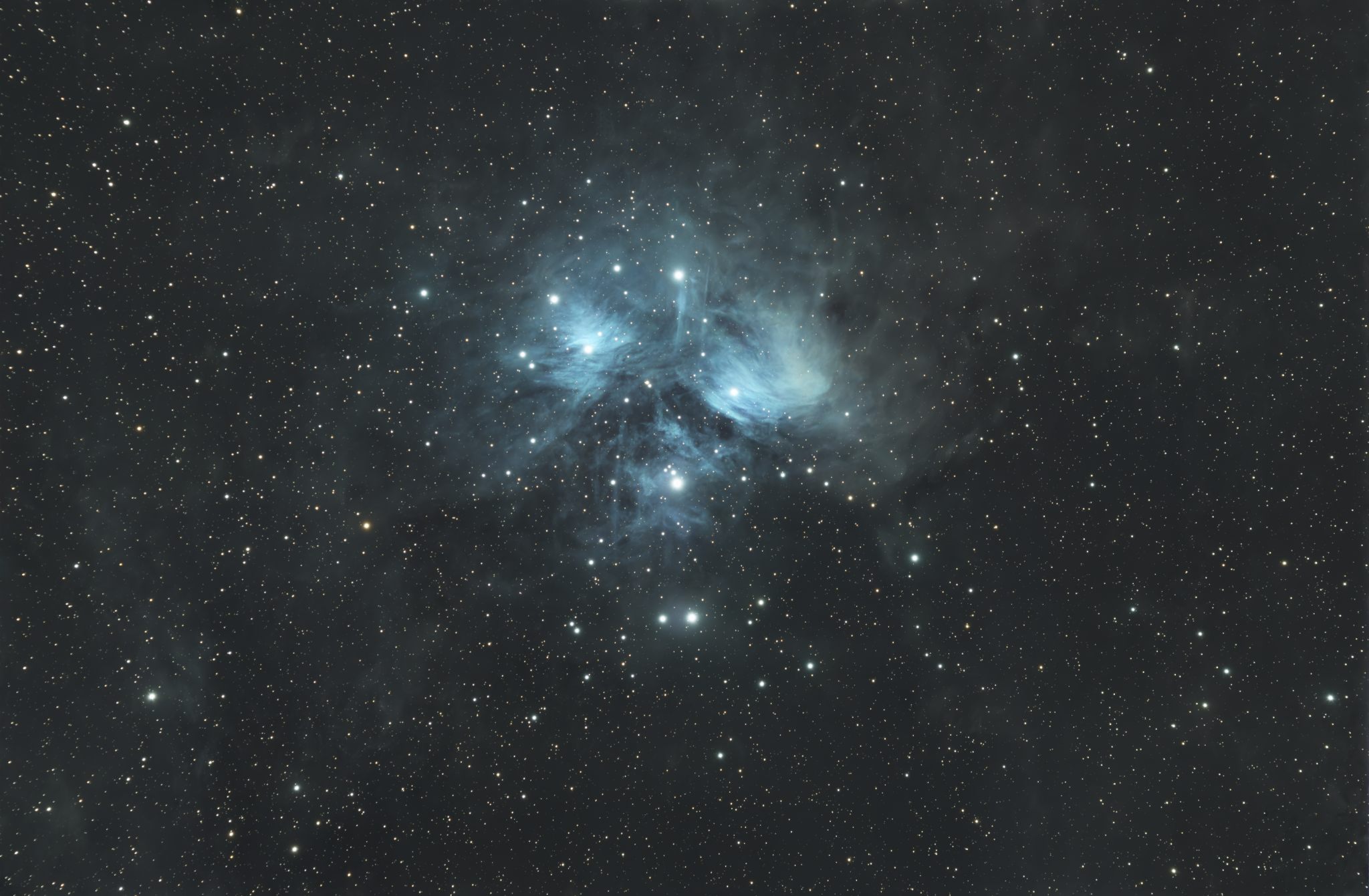
Upload a FITS, PNG, or JPG image. The image is solved once, then the annotation redraws locally from Astrometry objects plus local catalogues and optional constellation layers.
Ready.
Layers
Object filters
Style
No file loaded.
DSO Annotation Preview
Modern overlay using Astrometry results when available, with local bright-star and deep-sky catalogues as a fallback.
Show technical annotation details
No annotation run yet.
Plate Solver
Upload a FITS file to solve the field, identify objects, and download the solved FITS and WCS.
Ready.
Filename
-
-
Message
-
-
RA
-
-
Dec
-
-
Pixel scale
-
-
Orientation
-
-
FOV
-
-
File size
-
-
Downloads
-
-
-
-
-
-